Sleep and rest guide
Horsey Game Sleep Guide: Rest Horses and Find Sleeping Alligators
The Horsey Game sleep search usually mixes two questions: how to use the visible Sleep action for a horse, and how to recognize a sleeping crocodile or alligator in the swamp. Keep those states separate, test the current build, and do not turn a simple gameplay question into an unofficial-download hunt.
Fast answer
Horsey Game sleep is a state check, not a universal hotkey
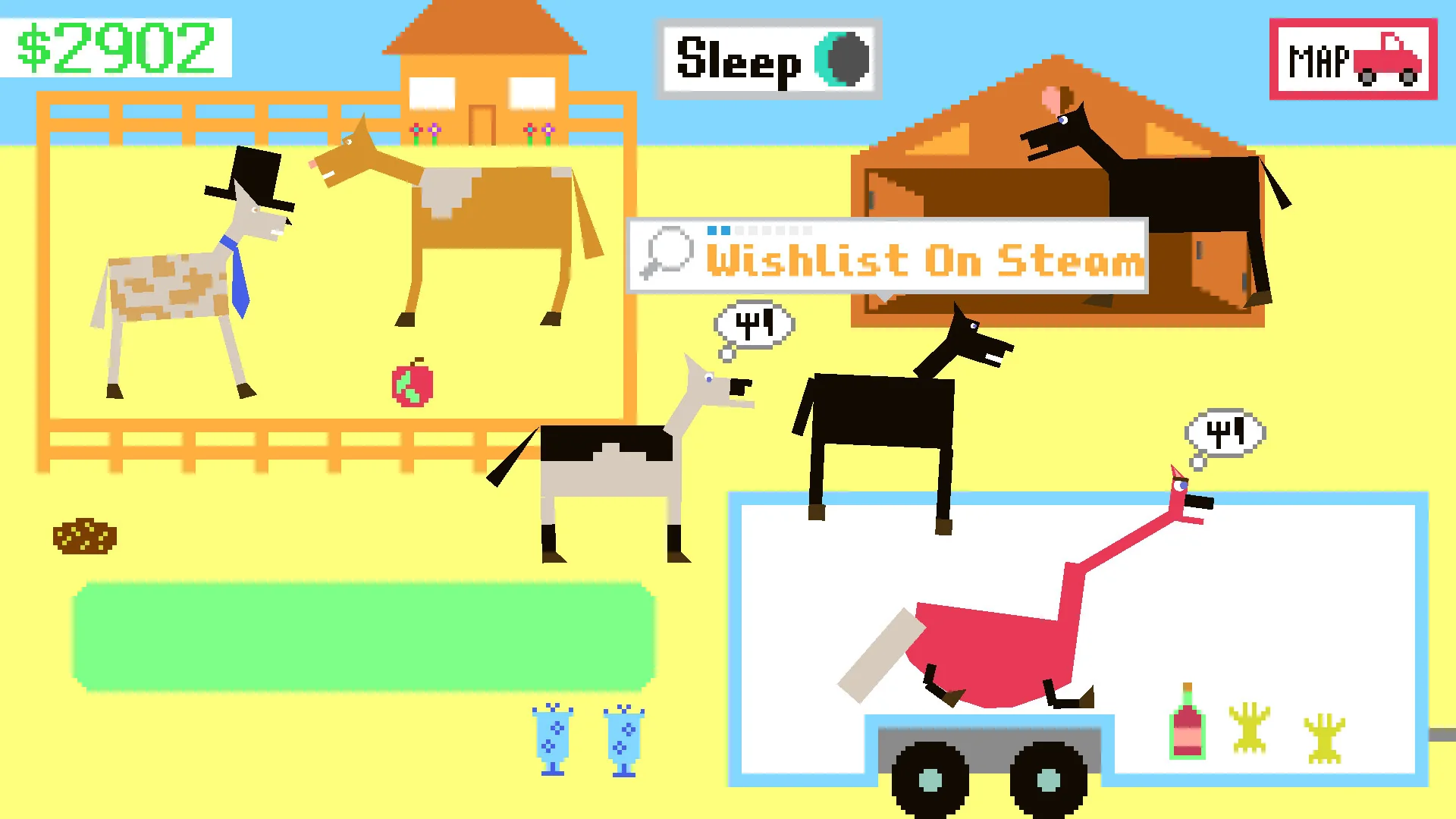
If you searched for Horsey Game sleep, begin with the object and prompt in front of you. The official Steam store media shows a visible Sleep button in a ranch scene, so the safest first move is to use the current in-game action when it is offered. Do not assume that the screenshot proves a fixed keyboard shortcut, a universal timer, or the exact same layout in every build.
The question about making a crocodile sleep is slightly different. A sleeping crocodile or alligator may be a creature-state or location observation rather than something you force with the horse Sleep action. Treat community swamp notes as route clues, then confirm the animal, its state, and the result in your own save. If the creature is awake, leave the area and retest instead of repeatedly attacking or installing a supposed sleep fix.
This guide keeps the boundary clear: official Steam media supports what the store screenshot visibly shows; community guides can suggest where to look; the current game prompt and your save decide what actually works. No APK, crack, save editor, unknown mod, or direct file download is needed for a normal sleep question.
Meaning
What the Sleep action is for
Sleep is best treated as a short state-management action. It can help you pause a creature routine, observe a horse at rest, or move on from a busy ranch interaction. It should not be confused with feeding, breeding, racing recovery, or a save backup. Those systems can be related in a player's routine without being the same mechanic.
The visible button matters because it is stronger evidence than a guessed keybind. If the prompt says Sleep, use that prompt and watch for a change: animation, posture, scene response, or a different available interaction. If no visible response appears, wait once, move a short distance, and return with the same horse and inventory before changing anything else.
A community note may use sleep as shorthand for a creature being inactive, resting, or easier to approach. That wording is useful for search discovery but not enough to prove a hidden rule. Record the location, creature, weather or time clue if the game exposes one, and the exact action that produced the state.
- Read the prompt: A current in-game Sleep label is more reliable than an old shortcut list.
- Watch the result: Look for posture, animation, interaction, or objective changes instead of assuming the action worked.
- Separate systems: Sleep is not automatically a feed, breed, race, DNA, or save-file command.
- Keep a baseline: Test with one horse and one location so a state change is easy to explain.
Horse action
How to use the Horsey Game Sleep action safely
Start at a familiar ranch or stable area with a horse whose state you understand. Check the horse's visible information, current task, and surroundings before pressing Sleep. The official Steam screenshot is useful as a reference for the visual idea of the action, but your current game build remains the authority for the exact button location and timing.
After selecting Sleep, give the game a moment to finish the interaction. Do not click the same control repeatedly or combine the test with breeding, DNA editing, racing, and a new mod. A single clean observation tells you more than five overlapping actions because you can identify which state changed and which state did not.
If the prompt is missing, move back to a known interaction point and check the horse again. A missing button can mean that you are looking at the wrong object, the horse is busy, the activity is not available in that context, or the current build uses a different flow. It is not evidence that you need a patched executable.
- Choose a known horse: Use a normal test horse instead of a valuable breeding line or unstable experiment.
- Use the visible action: Follow the current Sleep prompt when the game presents it.
- Wait for one response: Look for an animation or state change before trying another input.
- Return to baseline: If nothing happens, leave and return once with the same conditions.
Creature state
How to find a sleeping crocodile or alligator
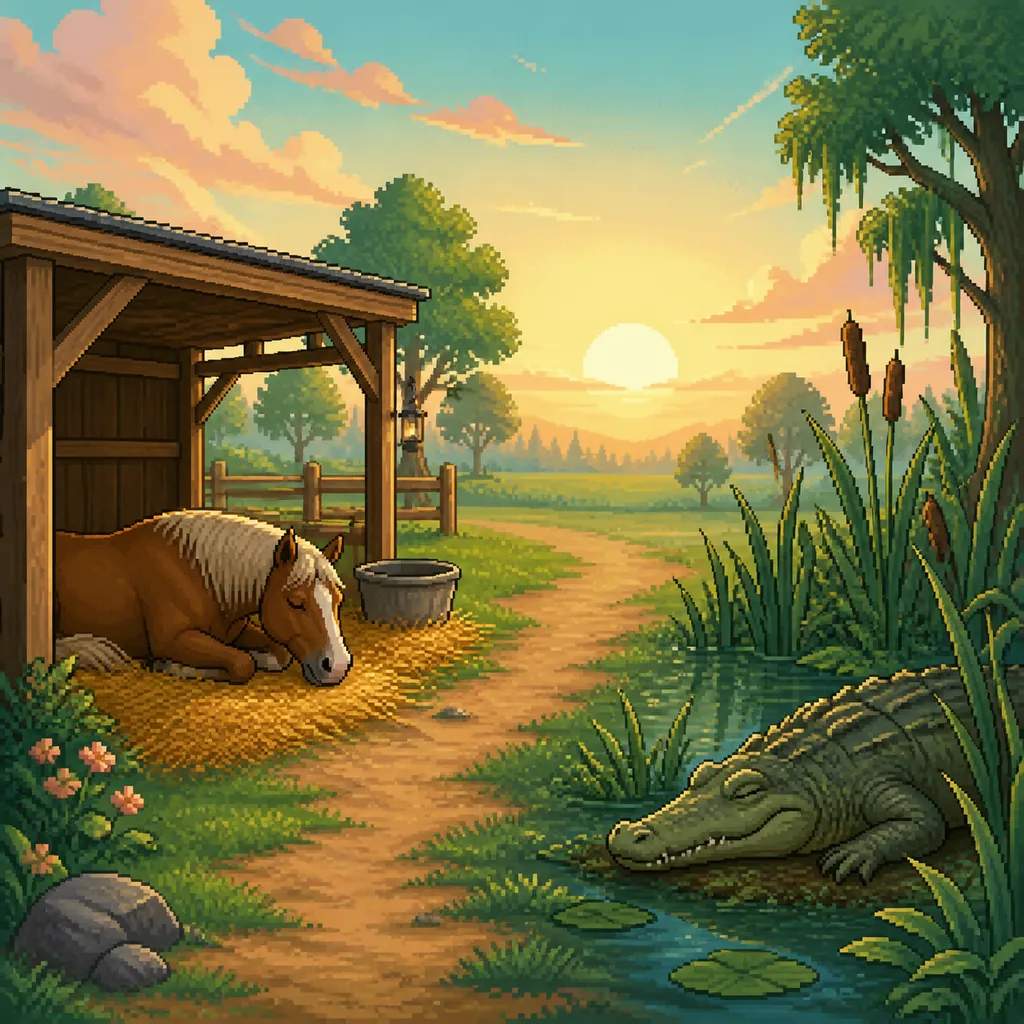
The question how to make crocodile sleep Horsey Game usually needs a wording correction: you may be trying to find a crocodile that is already sleeping, not force every crocodile into a sleep animation. A community swamp guide can help you form a route hypothesis, but it is not a guarantee that every session, creature, or build will show the same state.
Use a low-risk observation loop. Travel to the likely swamp or water area from a landmark you can identify again, scan the shoreline and reeds, and note whether the animal is awake, resting, missing, or replaced by another creature. Move away, wait or complete a small unrelated action, then return once. If the state never appears, keep the note as an unverified clue rather than inventing a button or fixed clock.
Do not confuse sleeping with feeding, meat, capture, or breeding eligibility. If your real goal is to feed a creature, identify a meat or inventory problem first; if the goal is to find a Dino or another species, use the creature guide. Sleep is only the state you are observing, not a shortcut around another requirement.
- Use a landmark route: Start from a ranch, road, or water landmark you can verify in your save.
- Observe before acting: Check whether the crocodile is resting before you try to feed, capture, or approach it.
- Retest once: Leave the area and return with the same conditions before deciding that the state is unavailable.
- Label community clues: A wiki route or player report is useful context, not an official universal spawn rule.
Horse state
Check the horse's state before blaming Sleep
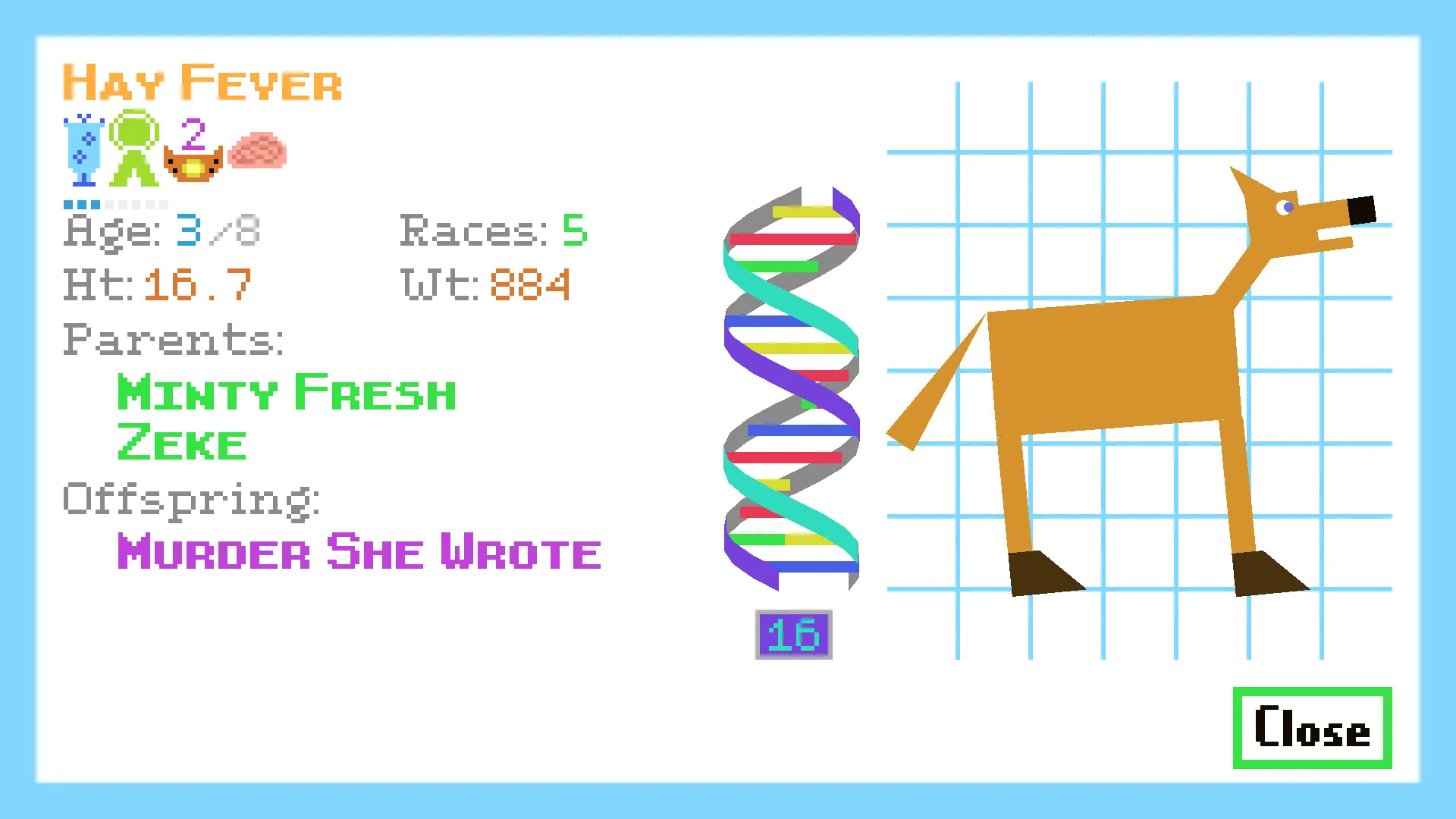
A horse can look ready while another part of its state is preventing the interaction you expected. Check whether the horse is currently selected, busy, carrying out a task, available for the area, or affected by an experiment. The official Steam status screenshot shows the kind of information players may inspect—age, health, weight, parents, and offspring—but it is not a promise that every release exposes the same panel or values.
If Sleep works for one horse but not another, treat that as a useful comparison. Keep the location, task, and input the same, then change only the horse. If the result follows the horse, investigate its state or role. If neither horse responds, investigate the interaction context or route instead.
Rest is also a poor moment to test a new DNA code, a breeding combination, or an unverified mod. Make a dated save backup first, use a spare horse, and write down the baseline. This keeps a sleep observation from becoming a difficult-to-reverse save problem.
- Compare one variable: Change the horse or the location, not both at once.
- Check the task: A busy, unavailable, or unsuitable horse may not expose the same interaction.
- Protect valuable lines: Use a spare horse and a clean backup before testing mods or DNA.
- Do not overread a screenshot: Official store media illustrates a feature; your current prompt decides what is available.
Troubleshooting
When Sleep does nothing or the creature will not rest
Begin with the least risky explanation: wrong object, wrong horse, unfinished task, missing prompt, or a state that only appears after leaving and returning. Reproduce the issue once from a clean baseline. If the result changes, document the condition that changed instead of calling the system broken.
If the problem began after a crash or update, close the game normally, restart Steam, and use the official client checks before touching local files. Keep the official Steam page as the download destination. Search results that promise an APK, a cracked build, a sleep fix, or a save editor are a different and unsafe intent.
When reporting a bug or asking the community, include the platform, the area, the creature or horse, the visible prompt, the last action you took, and whether a clean reload changed the state. A short reproducible note is more helpful than saying only that Sleep is broken.
- Reproduce cleanly: Repeat the same action once from a known location and save state.
- Use official recovery: Restart Steam or verify the official install before trying an unknown download.
- Record context: Write down platform, area, horse or creature, prompt, and result.
- Escalate carefully: If the state is still missing, ask for a community confirmation without claiming a universal rule.
Decision table
Sleep-state symptoms and the safest first check
Use this table to separate a missing prompt, a horse-state issue, and a creature-location question before changing files or downloads.
| What you see | Likely explanation | First check |
|---|---|---|
| Sleep button is visible | The current object exposes the action | Use it once and wait for a visible response |
| Sleep button is missing | Wrong object, horse state, or unavailable context | Return to a known ranch interaction and check the selected horse |
| Horse sleeps but crocodile does not | Different creature state or location requirement | Treat the crocodile as an observation route and retest the area |
| Creature is awake after a community route | The clue may be build-, save-, or timing-dependent | Leave, return once, and record the exact result |
| A site offers a sleep fix download | Unsafe unofficial-download intent | Ignore it and use Steam plus a clean save baseline |
Workflow
A safe Horsey Game sleep test
- Pick a known baseline Use a familiar ranch or water landmark and a spare horse or low-risk creature observation.
- Read the current prompt Use the visible Sleep action when the game offers it; do not invent a keybind from a screenshot.
- Change one variable Keep the area and task the same while changing only the horse, route, or return timing.
- Record the result Note the state before and after, including whether the prompt, animation, or creature changed.
- Protect the save Back up before DNA, breeding, mods, or file changes; never download an unknown sleep fix.
FAQ
Horsey Game Sleep FAQ
Sources and media notes
Official and community references
- Official Horsey Game Steam store page - Official purchase page and store media; the Sleep button screenshot is used as real media, not as a complete control reference.
- Official Steam App Details API - Checked on August 22, 2026 for official game identity, platform data, release date, and screenshot metadata.
- Horsey Game Wiki swamp guide - Community or independent route reference for swamp and sleeping-creature clues; do not treat it as an official universal spawn rule.