Save file and backup guide
Horsey Game Save Files: How to Create a Second Save and Back Up Progress
Use a separate test copy before experimenting with mods, DNA, breeding, or risky route changes. This guide explains the safe boundary between an in-game save slot, a manual backup, and Steam Cloud.
Fast answer
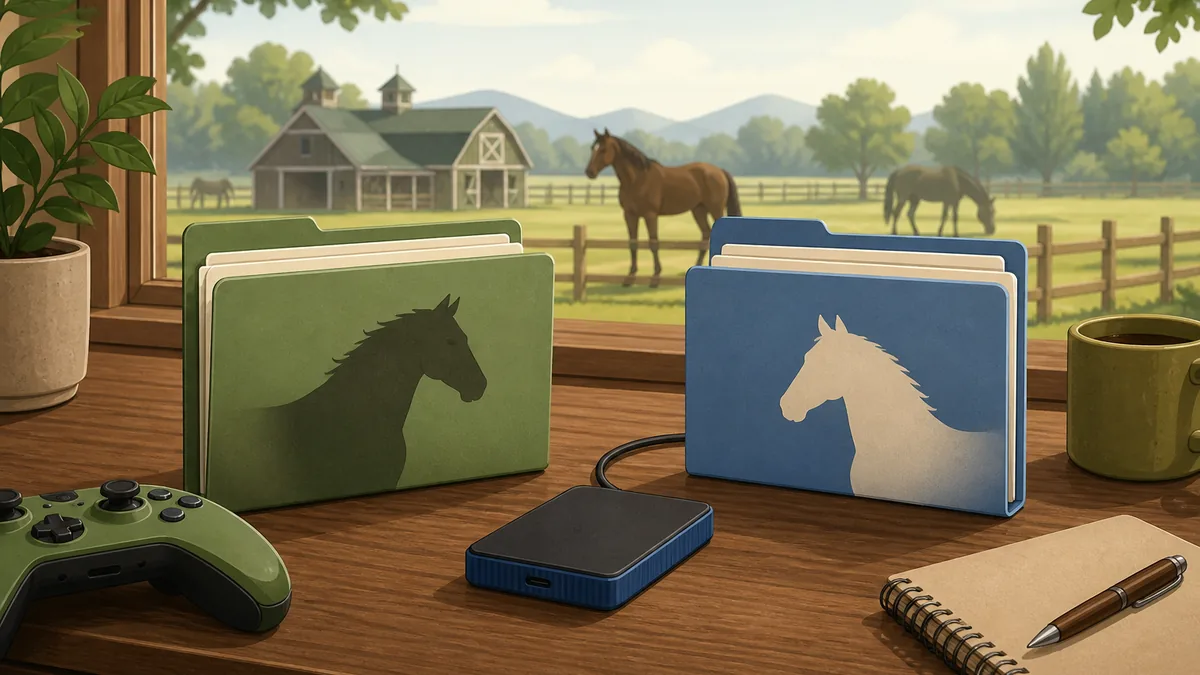
The safest second save is a dated copy that you can restore without touching the original.
If you searched for how to make a second save file in Horsey Game, first check whether your current build exposes a real in-game save slot. If it does, use that slot and still keep a manual backup before a major experiment. If it does not, close the game, make a dated copy of the entire save folder, and use the copy as your disposable test baseline. Do not guess a filename, rename live files while the game is open, or assume that a single visible file contains everything.
The official Steam listing includes Steam Cloud, but cloud synchronization is not the same as a private, independently dated backup. Community discussions about multiple saves are useful evidence for what players try, not official instructions. The reliable rule is simple: preserve the clean original, test one change at a time, and keep the broken copy available for diagnosis instead of overwriting it.
First boundary
A second save slot and a second save copy are different things
A built-in slot is managed by the game. A manual backup is managed by you. They may look similar to a player, but they fail differently. A built-in slot normally appears in the game's own save or load flow. A folder copy sits outside that flow and must be restored deliberately. If the game does not document multiple slots, do not promise that a renamed folder or edited filename will create a supported feature.
For normal play, keep the original save as the stable baseline and create a second copy for a specific question: testing a mod, trying a new breeding line, checking a race setup, or exploring a route. Name the copy with the date and purpose. This makes it clear which state is safe, which state is experimental, and which backup should never be deleted while you are still comparing results.
- In-game slot: Use only when the current game build visibly provides the slot.
- Manual copy: A dated folder copy is a rollback point, not a new official menu feature.
- Clean baseline: Keep one untouched copy before testing a mod, DNA edit, or save tool.
- No guessed path: Windows and macOS locations can differ, so verify the source before changing files.
Before changing anything
Back up the whole Horsey Game save folder
Quit Horsey Game completely before copying files. If Steam Cloud is active, wait for synchronization to finish and note which local state you intend to keep. Then locate the save directory through the game's documentation, an original community discussion, or your operating system's known application-data locations. Do not publish a private account path when asking for help.
Copy the entire directory to a separate location such as a dated backup folder or external drive. Keep the folder structure intact. Record the date, operating system, Steam account state, current game update date, and the reason for the copy. If the game stores settings, indexes, or companion data beside the obvious save file, a whole-folder copy is safer than copying only one file.
The backup-flow illustration below is an editorial explanation, not a real file browser. The important action is the same: original save first, separate copy second, disposable test after that.
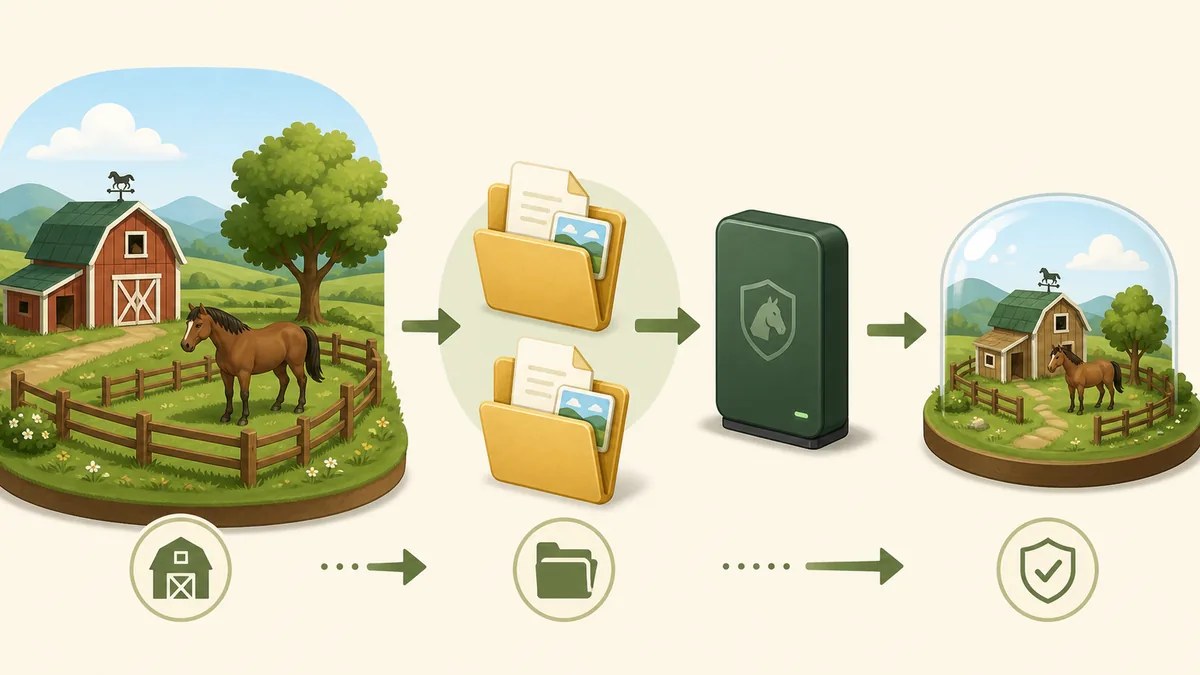
- Close first: Never copy a live save while the game is still writing progress.
- Copy everything: Preserve related files and subfolders instead of guessing which file matters.
- Date it: Use a readable date and purpose so old and new experiments cannot be confused.
- Store it apart: Keep the backup outside the live directory and away from automatic overwrite paths.
Controlled experiment
Use the second copy as a disposable test save
A second save is most useful when it answers one question. Load the duplicate, change one variable, and record what happened. For a mod, test the unmodified game first, then the mod alone. For a DNA or breeding experiment, record the parents, the edit, the race or task, and the result. For a route question, keep the same horse and inventory so a travel change is not mixed with a build change.
Run the same check more than once when the result depends on physics or timing. Save only after you know the test state is the one you want to preserve. If the copy becomes unstable, stop saving, close the game, and return to the clean baseline. A backup is valuable because it limits the cost of a failed experiment; it is not a reason to keep pushing a damaged state.
- One variable: Change one mod, gene, parent, route, or setting at a time.
- Record the state: Note the horse, inventory, date, and exact change before testing.
- Repeat the result: Use the same race or interaction again before treating a result as reliable.
- Stop on damage: Do not save repeatedly after crashes, missing horses, or impossible values appear.
Sync warning
Steam Cloud can synchronize the wrong state
Steam Cloud is useful for continuity, but it does not replace a manual backup that you control. A cloud copy can be newer than the local copy, or the local copy can contain the clean state you meant to preserve. If the game or Steam asks which version to keep, stop and compare dates before choosing. Do not click through a conflict while the only good save is still at risk.
For a controlled test, understand whether the game is writing to the cloud before you start. If you temporarily change synchronization settings, make a note of the original setting and restore it only after the local state is stable. Never assume that disabling sync deletes the cloud copy, and never assume that enabling it will restore the version you wanted.
If a community guide recommends a specific folder or file name, treat it as version- and platform-sensitive. The official Steam page is the right place to confirm current platform and cloud features; community posts are useful for practical observations but are not a developer support promise.
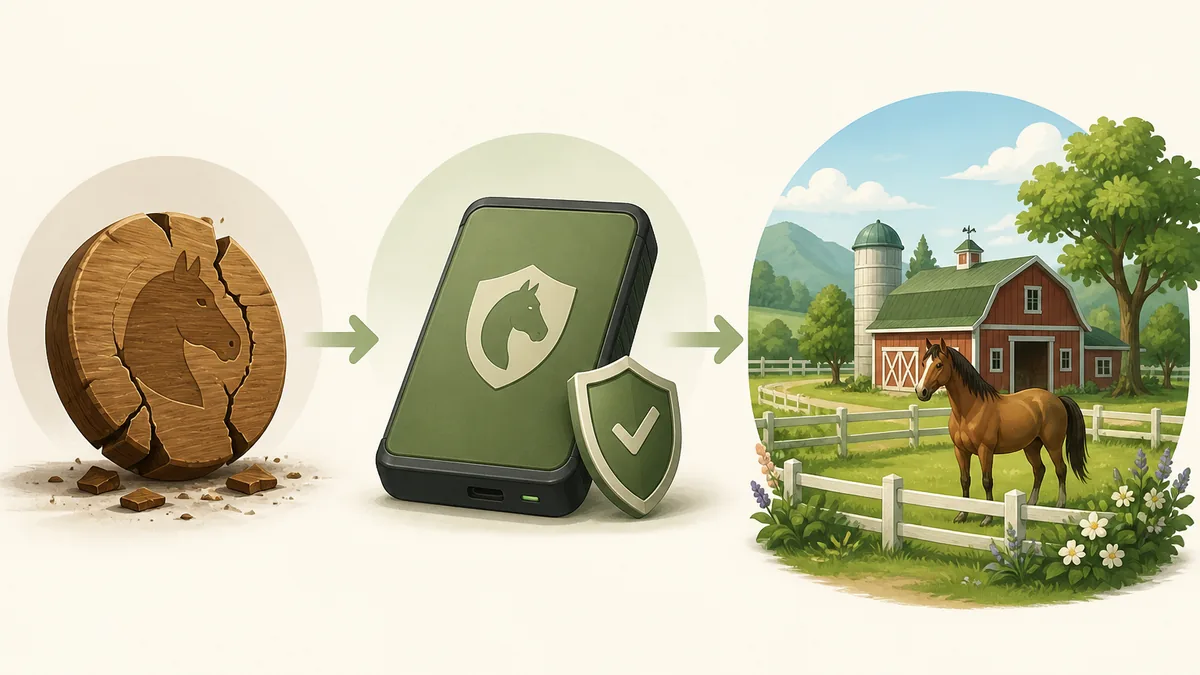
- Compare dates: Use timestamps and your notes before accepting a cloud or local version.
- Keep both states: Copy the damaged state for diagnosis instead of deleting it immediately.
- Restore deliberately: Return the clean copy only after the game is closed and the target folder is confirmed.
- Reconnect last: Make sure the restored local save loads before normal synchronization resumes.
Recovery
Restore a clean save without making the damage worse
When a test save crashes, loses progress, shows impossible data, or no longer loads, stop opening the valuable original. Keep one copy of the damaged folder for troubleshooting, then work from a duplicate of the clean backup. Remove or move the broken test state only after you have confirmed which folder is the clean source.
Restore in reverse order: close the game, pause or understand cloud sync, move the damaged live folder out of the way, copy the clean backup into the expected location, and launch with the smallest possible test. Confirm that the ranch loads, ordinary movement works, and a fresh save can be made. Only then should you restore a larger progress copy or resume an experiment.
Steam file verification can repair official game files, but it is not a universal save-repair tool and may not remove third-party configuration. For mod-related problems, use the project's own removal notes and the dedicated mods guide rather than downloading an unknown cleanup utility.
- Preserve evidence: Keep the broken copy separate when you need to diagnose what changed.
- Move, do not overwrite: Rename or move the target folder only after the game is closed and the path is verified.
- Test small: Load the clean copy and make one harmless test save before restoring more progress.
- Escalate carefully: Use the original community issue or support thread when the clean backup also fails.
Topic boundary
Which Horsey Game save question belongs where?
The keyword review separates a new save-file guide from existing DNA, map, mods, Steam, and FAQ pages.
| Candidate | Intent and evidence | Best action |
|---|---|---|
| how to make a second save file horsey game | Recent Similarweb window volume 880; exact phrase appears in phrase match and questions; difficulty 0 | New save-file guide |
| horsey game save editor | Tool-like intent with no usable exact Similarweb record; unsafe to recommend a binary | FAQ warning only |
| horsey game mods | Community mod discovery and installation; already covered by the mods guide | Existing page and internal link |
| horsey game dna codes | GSC position 11.13 and 64 impressions; maps to the DNA page | Existing DNA page support |
| how to get to the other island | Question-tab map route; distinct task but the map guide owns locations | Map-guide FAQ |
| horsey game hot air balloon | Short-term window volume 1,360 but average 141; object/location question | Map-guide FAQ or future page |
| horsey game apk / crack | Download or piracy intent, unsafe and outside the site boundary | No action |
Repeatable workflow
A safe second-save routine for Horsey Game
- Finish the clean baseline Load the original game, confirm the ranch and important horses, then exit normally.
- Close and sync deliberately Wait for normal Steam activity to finish and note whether cloud sync is enabled.
- Copy the whole folder Make a dated backup outside the live save directory; do not copy only a guessed file.
- Create a disposable test Use the copy for one mod, DNA edit, breeding line, race setup, or route experiment.
- Record and repeat Write down the change and repeat the same check before treating the result as reliable.
- Restore before combining Return to the clean backup after a failure, then test the next change separately.
FAQ
Horsey Game save file FAQ
Evidence
Sources checked for this guide
- Official Horsey Game Steam page - Official store and platform source; check the live page for current features such as Steam Cloud.
- Horsey Game Steam Community discussions - User discussion hub for practical save and troubleshooting observations; not official support.
- Community multiple-save discussion - Player report about trying multiple saves; community evidence that may become outdated and should not be treated as a universal path.
- Similarweb Keyword Generator - Phrase match, related keywords, and question keywords were reviewed for the selected topic and rejected candidates.